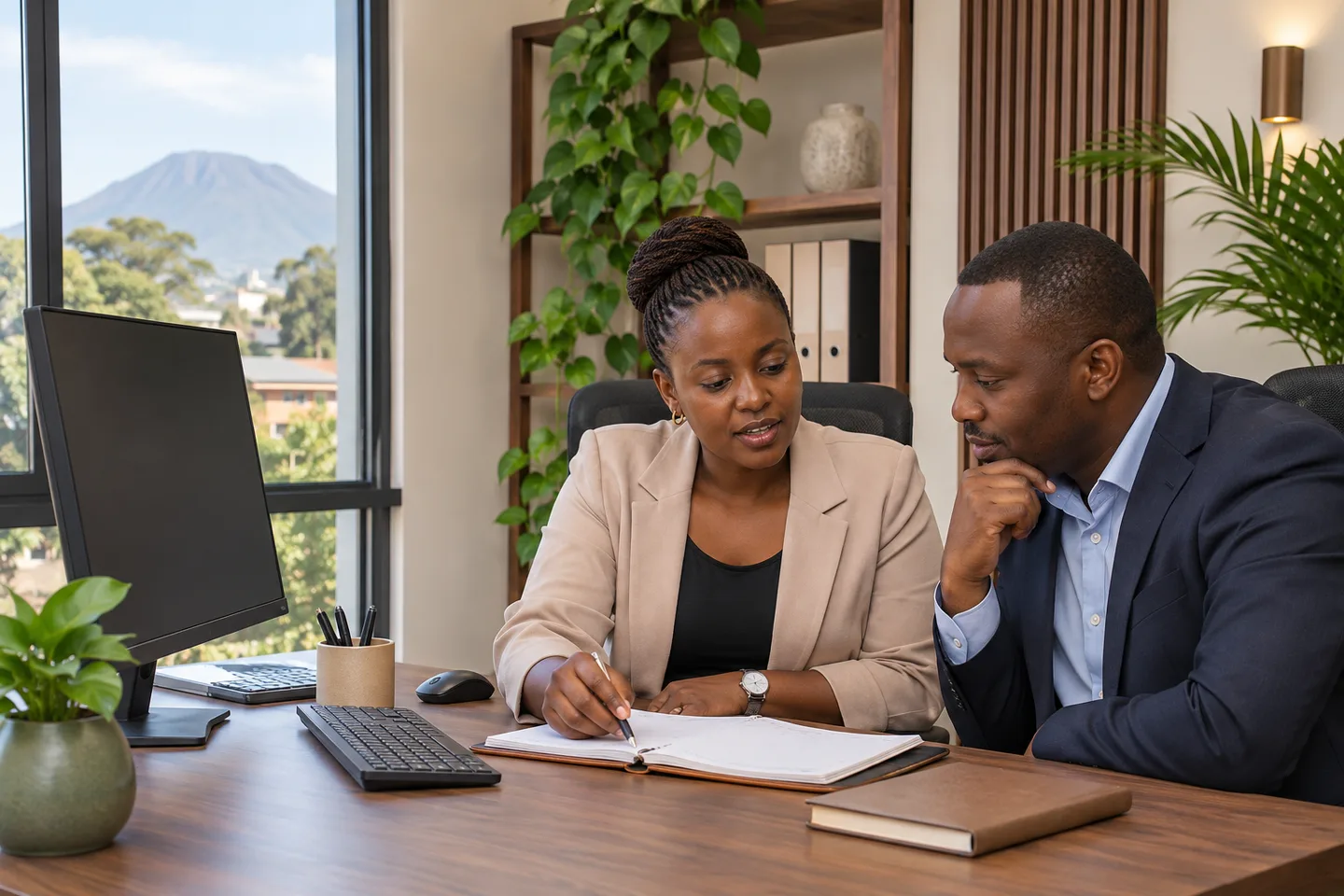
An office or small business
Know who arrived, review lateness and prepare a clear attendance report.
K40 Pro or a suitable MB terminal · setup · staff enrolment · training
Discuss this solution ↗ BM CONTRACTORSENGINEERING · TANZANIA
START WITH YOUR BUSINESS
Choose your starting point. We will recommend the equipment and software that fit.
Know who arrived, review lateness and prepare a clear attendance report.
K40 Pro or a suitable MB terminal · setup · staff enrolment · training
Discuss this solution ↗Bring reception, housekeeping and other departments into one shift plan.
Suitable terminals · agreed shift rules · manager reports · support
Discuss this solution ↗Give authorized managers a shared view of attendance across locations.
Compatible terminals · connectivity · server/cloud assessment · reporting
Discuss this solution ↗Quotation examples, not fixed bundles. Models, software licences and installation scope are confirmed for your business.
BIOTIME 9.5 / FOR OWNERS & MANAGERS
The machine records arrivals. BioTime helps your manager turn those records into an organized working day.
Review arrivals, missing punches and attendance exceptions.
Set departments, rosters and agreed lateness or overtime rules.
Review results, approve corrections and export agreed reports.
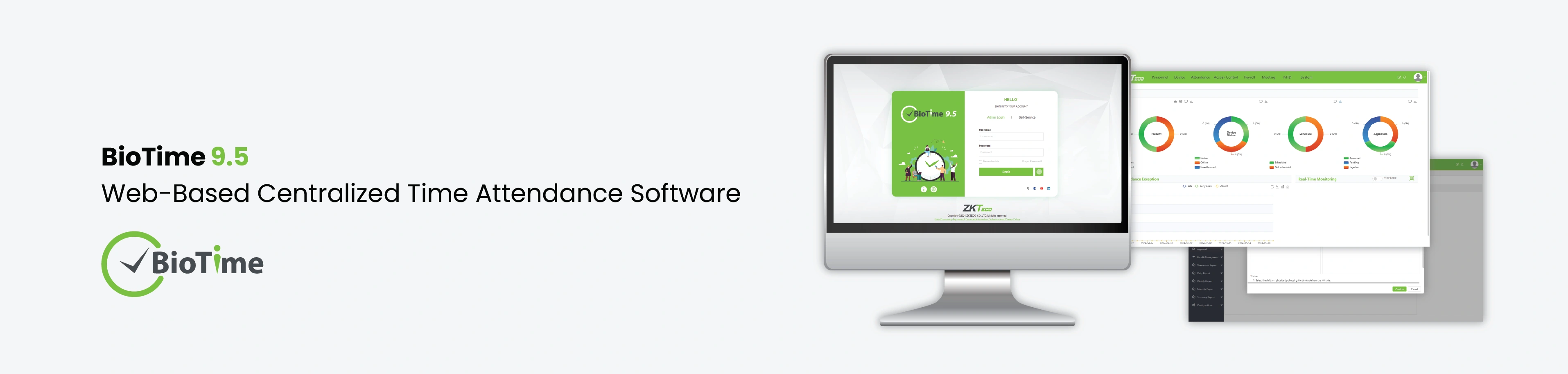
BM scopes the software, compatible devices, setup and training together. Licence limits and optional modules are confirmed in your quotation.
View BioTime details ↗FROM RECORDS TO A USEFUL REPORT
Spot what needs a conversation before making a payroll decision. A missing clock-out needs review—not an automatic absence.
SAMPLE REPORT · FICTIONAL DATA
| Employee | In | Out | Review |
|---|---|---|---|
| Demo 001 | 07:56 | 17:02 | On time |
| Demo 002 | 08:18 | 17:01 | Review lateness |
| Demo 003 | 13:55 | — | Missing clock-out |
FROM A PUNCH TO A REPORT
From the attendance machine to your manager. Play the sequence or choose any step.
A staff member records a punch using an enrolled method.
LAN or a configured remote link carries the event.
Collects events and applies configured shifts and rules.
An authorized manager reviews exceptions and approvals.
Issue reports or an agreed export; no automatic payment.
Step 1: A staff member records a punch using an enrolled method.
START WITH THE RIGHT MACHINE
Fingerprint, face or card/PIN options. We check the exact model and software before recommending it.
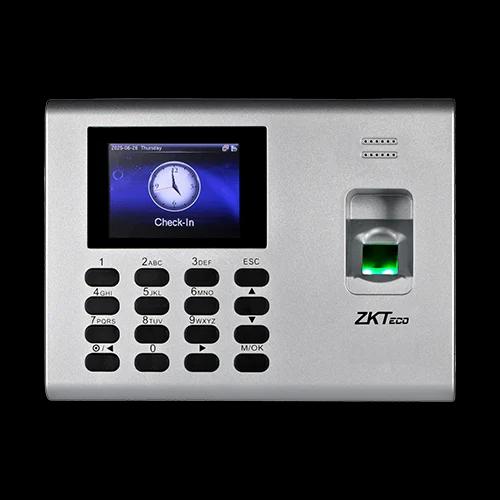
Manufacturer reference
Fingerprint/PIN attendance with built-in backup battery and simple door interfaces. A practical small-office starting point.
Request Current Price ↗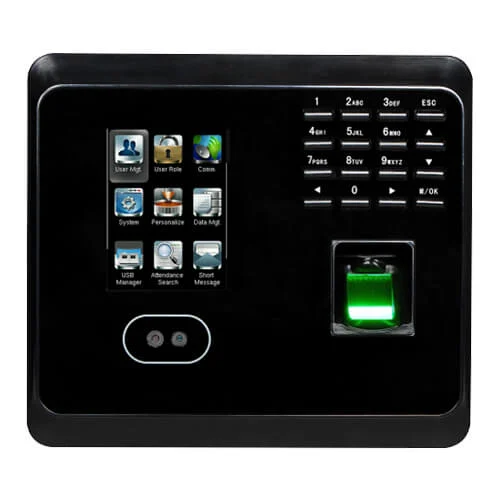
Manufacturer reference
A familiar indoor face/fingerprint attendance option for offices and hotel staff. Specify Ethernet/USB or confirmed Wi-Fi/battery options.
Request Current Price ↗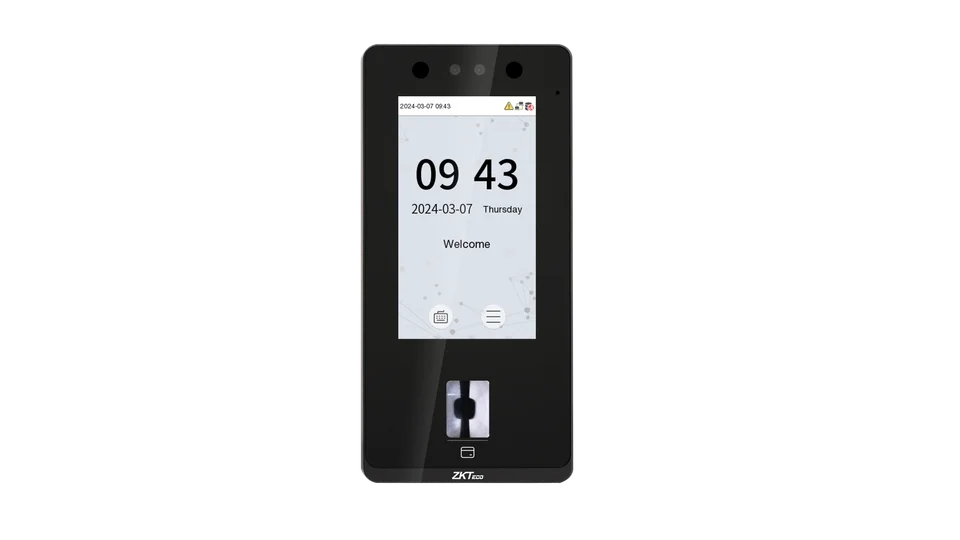
Manufacturer reference
Facial recognition for everyday workplace arrivals, with fingerprint on the 4A variant. Choose the exact entry or standard version.
Request Current Price ↗BM TAKES CARE OF THE SETUP
Staff numbers, shifts, branches and any existing machine.
Suitable equipment, software, power and connectivity—with a clear quotation.
Enrolment, sample shifts, report checks, training and agreed support.
ONLY IF YOU NEED THE DETAIL
A local BioTime server can work over a functioning LAN without public Internet. Cloud and remote branches need connectivity. A supported, powered terminal can retain punches within its storage limit; synchronization and recovery must be tested on the actual model. USB collection is a separate manual option, not a live dashboard.
Attendance reports can support payroll, but wage rules, approvals, export format and any payroll API are a separately scoped and tested integration.
Use authorized exception review with an audit trail and agreed rules. A missing punch is not proof that someone was absent.
Send its model and software/firmware version. PUSH protocol, generation and licensed support must be confirmed before promising migration.
COMPARE BEFORE YOU ORDER
| Model | Starting point | Check before quotation |
|---|---|---|
| K40 ↗ | Basic local attendance / assessed USB reporting | Not on the cited 2024 PUSH list; do not assume 9.5 |
| K40 Pro ↗ | Fingerprint/PIN with battery; card option | Listed PUSH platforms; check firmware, ADMS and capacities |
| MB360 ↗ | Indoor face + fingerprint; selected Wi-Fi/battery options | Regional capacities differ; verify actual revision |
| MB1000 ↗ | Face + BioID fingerprint; distinct from MB100 | Listed PUSH platforms; ID/MF, firmware and licence checks |
| MB10 / MB20 ↗ | Compact hybrid attendance for small teams | Not MB10-VL/MB20-VL; check platform and optional UPS |
| SenseFace / SpeedFace ↗ | Modern face and model-specific credential options | TA PUSH / AC PUSH and entry/standard generation matter |
The East African list was updated 27 August 2024; it is not approval for every current build. Do not send employee biometrics with a quotation request.
Official supported-device list ↗| Platform / capability | Deployment | Must be confirmed |
|---|---|---|
| BioTime 9.5 | Local server / web browser | Supported PUSH device/firmware + exact build + employee/device licence limits. BM scopes setup, shifts, reports and training. |
| BioTime Cloud | Hosted subscription | Confirm Internet, supported devices, data hosting, retention, account ownership and recurring fees. |
| Mobile / approvals / API / payroll | Optional or separately scoped | Verify regional licence/module availability, API permissions, workflow, integration specification and acceptance tests; not included by default. |
| CVAccess / CVSecurity / HLMS | Different system purposes | Door security and hotel-lock platforms are not interchangeable with attendance software. Check lock/controller/encoder, supported modules and security updates. |
Personnel/departments, daily dashboards, punches, lateness/absence/early departure review, shifts, overtime, reports, devices/branches and approval workflows depend on the supported build and configuration. Mobile, API and HR/payroll integration require separate scope and licence confirmation.
Use lawful, proportionate enrollment, inform employees and offer appropriate supported alternatives. Limit administrators, protect templates and exports, define retention/deletion and assess hosting contracts. Do not collect children’s biometrics by default. Do not email biometric templates to request a quotation.
LET’S MAKE ATTENDANCE EASIER
How many staff? One location or several? Fixed hours or shifts? That is enough to start.
A FEW MINUTES. A CLEARER CHOICE.
ATTENDANCE
A short guide for offices, hotels and growing businesses in Tanzania: start with your shifts and reports, then choose the equipment.
DOOR ACCESS
Reader, lock, controller and exit arrangements: a simple checklist for planning office access control in Moshi, Arusha and beyond.
SECURITY SCREENING
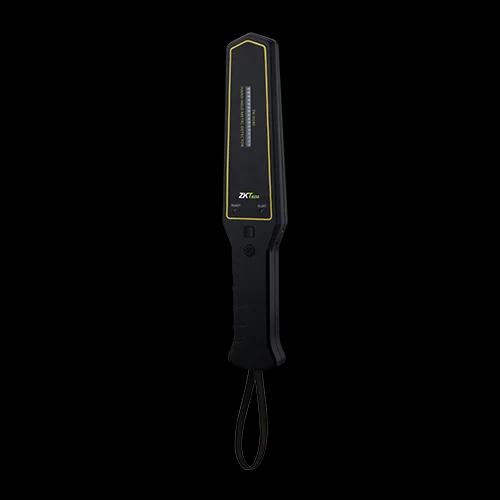
A clear starting point for hotels, institutions and controlled entrances. These tools do different jobs and need a planned inspection procedure.